The eleven habits that separate a good netizen from an easy target, from privacy settings to spotting manipulation.
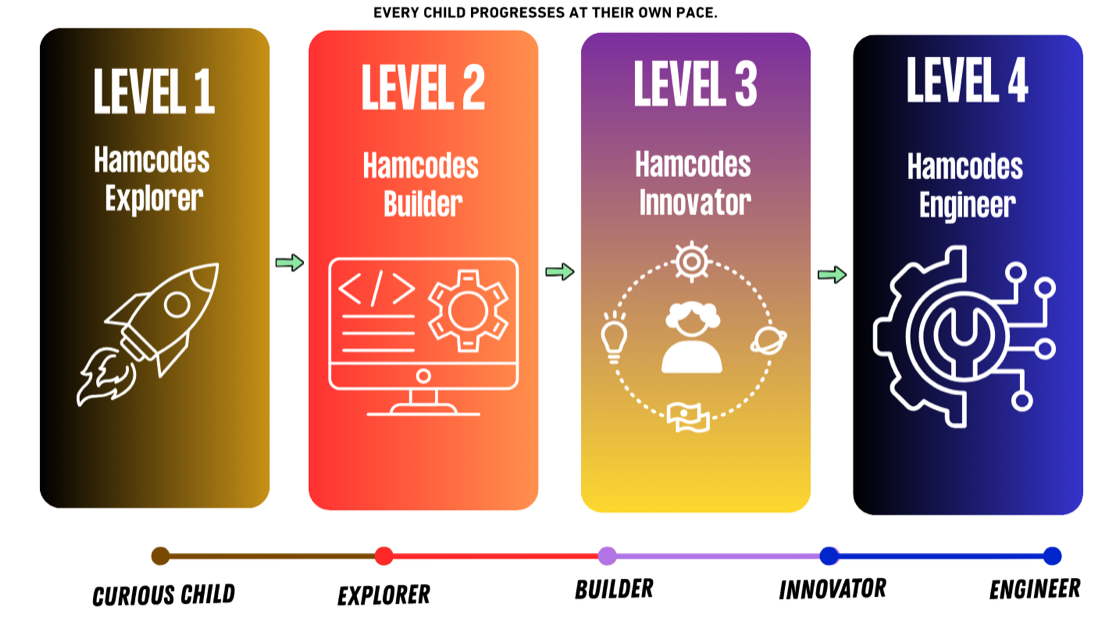
Read the post →Coding, robotics and classroom-ready teaching for complete beginners. Start at five with coloured blocks. Finish with a robot that moves, lights up and answers back.
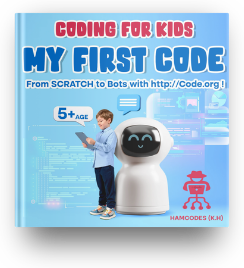
The first book, and the first line of code. Big pictures, one idea to a page, and a friendly robot who sticks around while a five year old works out that a computer does exactly what it is told.
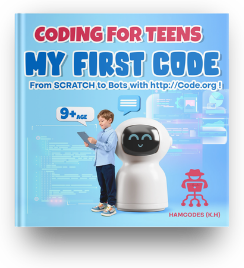
The same ladder, a longer climb. Real projects instead of exercises, logic explained rather than demonstrated, and enough independence that they stop asking what the next step is.
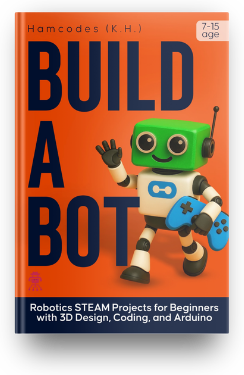
Where the code stops being on a screen. Design it, print it, wire it, program it, and then watch the thing you drew last week roll across the kitchen floor.
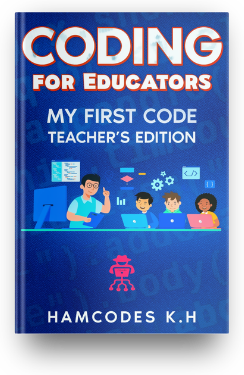
Never coded before? Teach it anyway. Lesson plans, classroom activities and the answers in the back, so computer science can start in your room this term rather than the year after next.
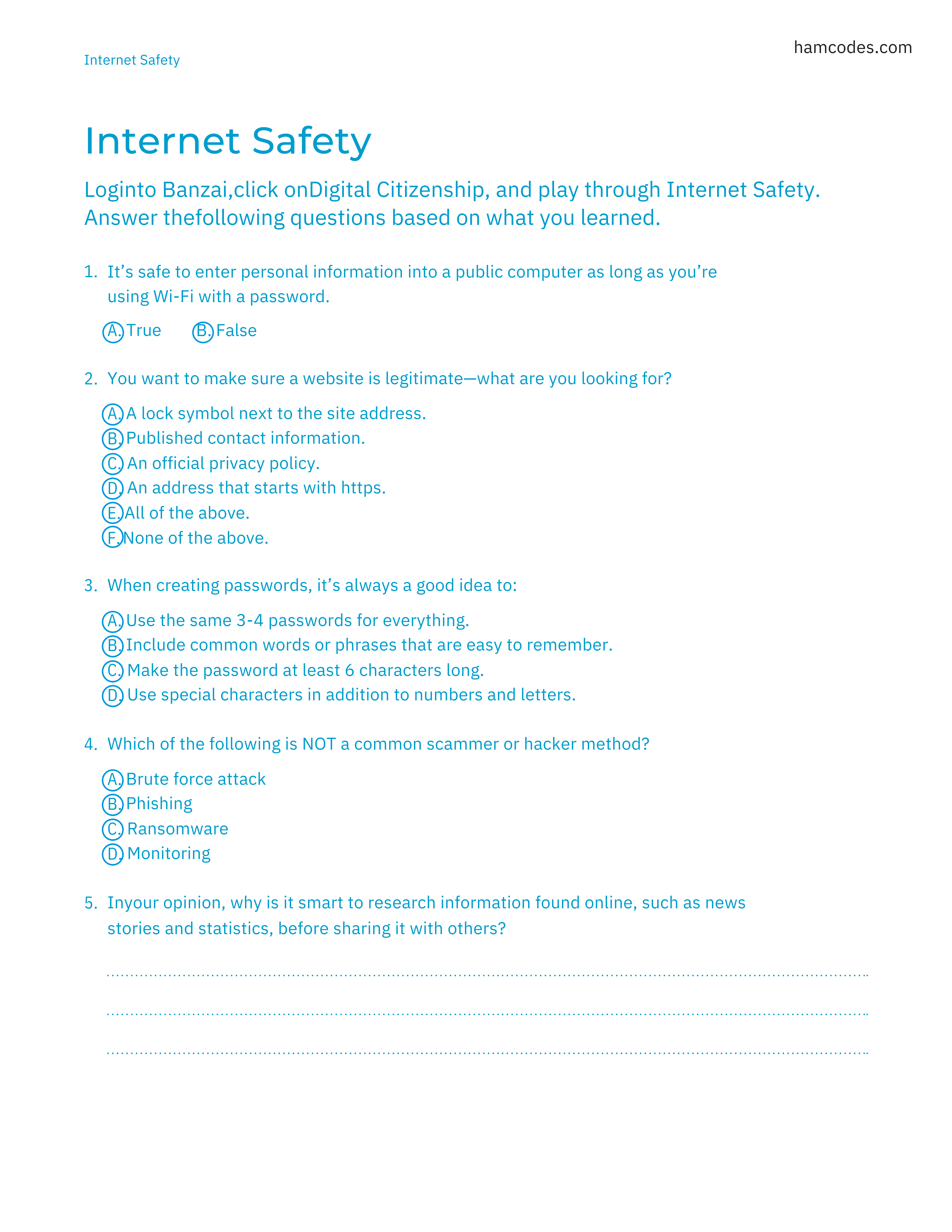
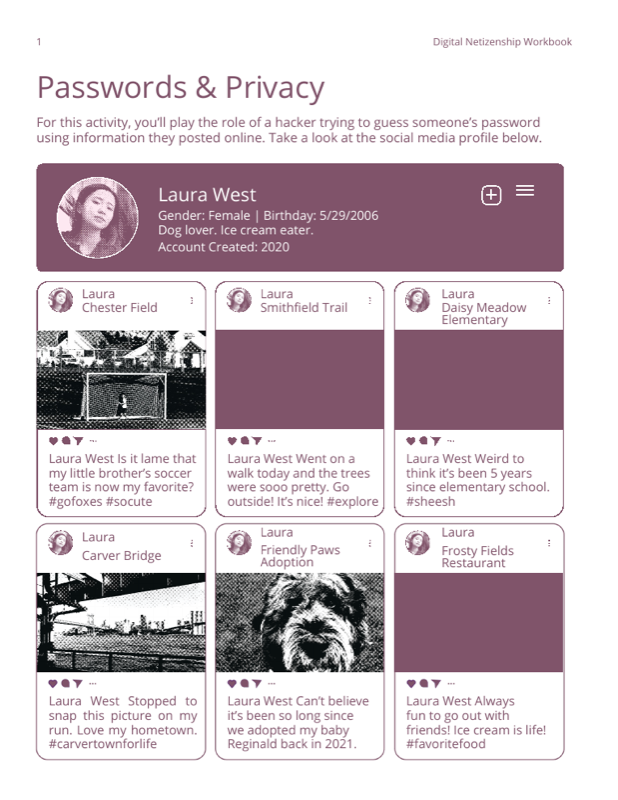
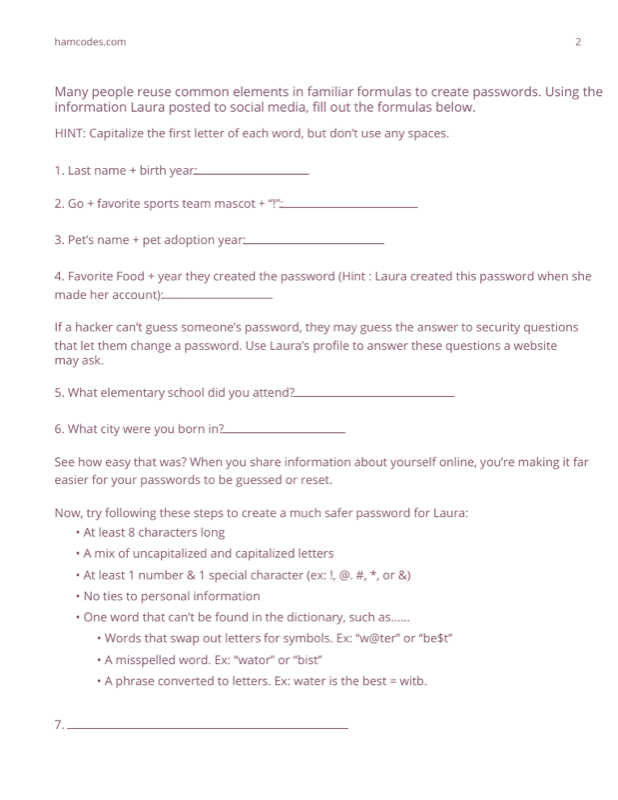
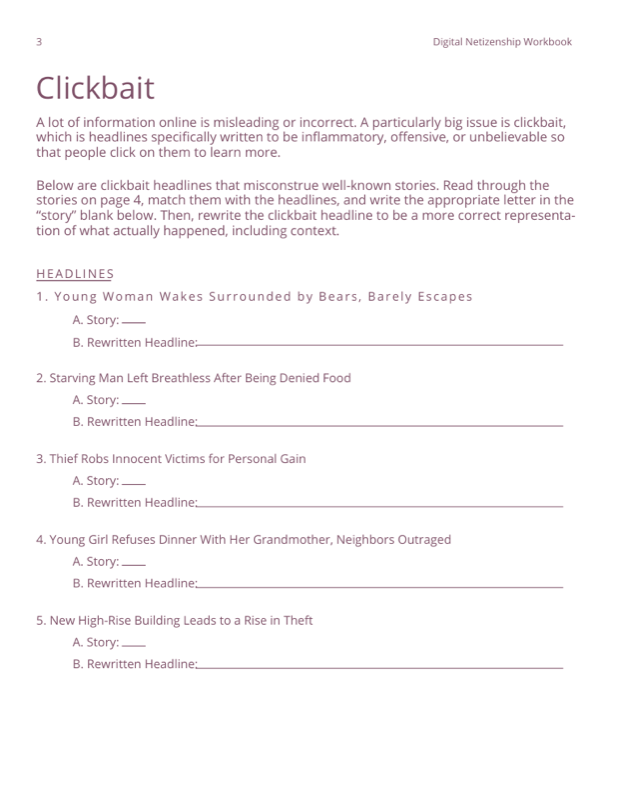
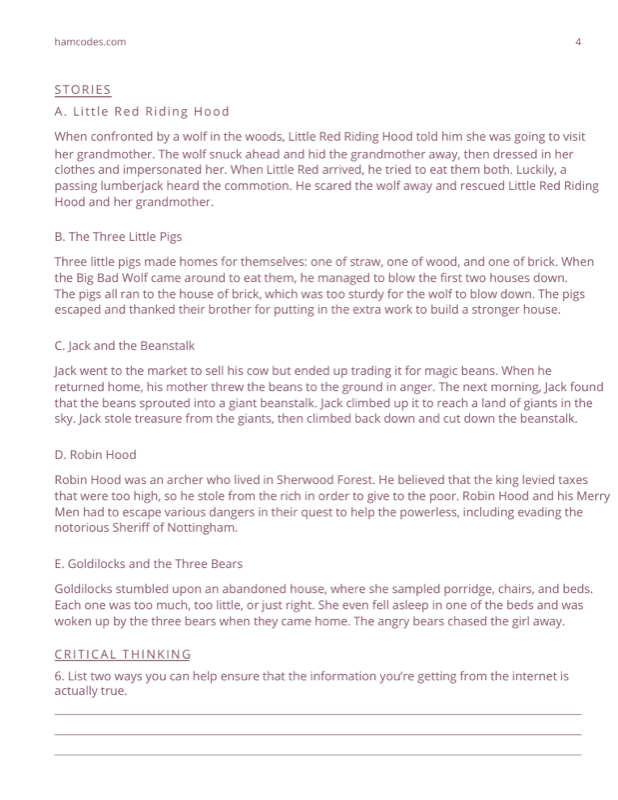
A complete internet-safety workbook and five classroom-ready worksheets. Look inside, then take the lot.
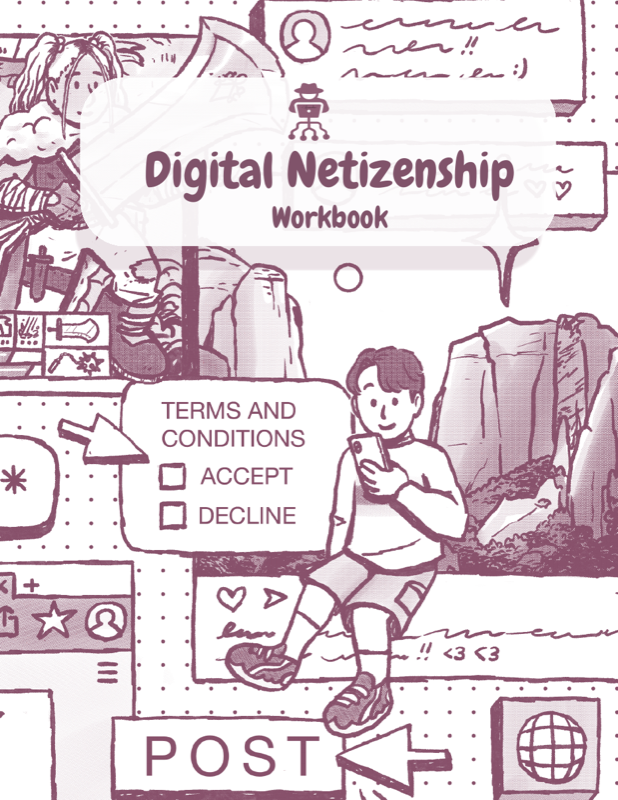
Life after school, and the stuff nobody explains before you have to figure it out the hard way. Money, first jobs, picking a direction, dealing with people. Written as a conversation, because that is how it started.

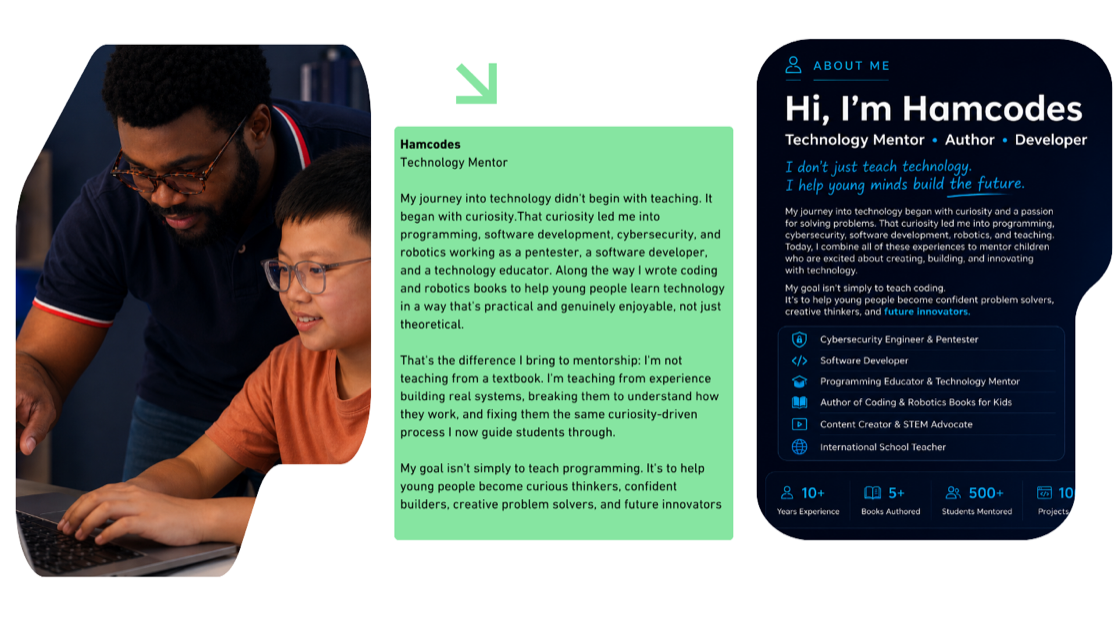
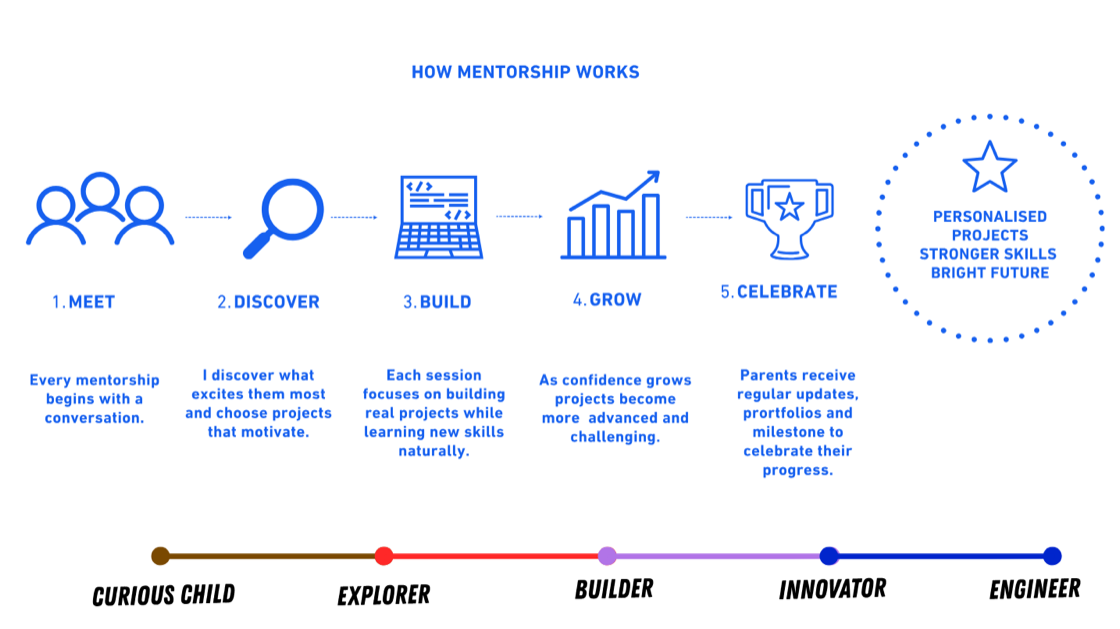
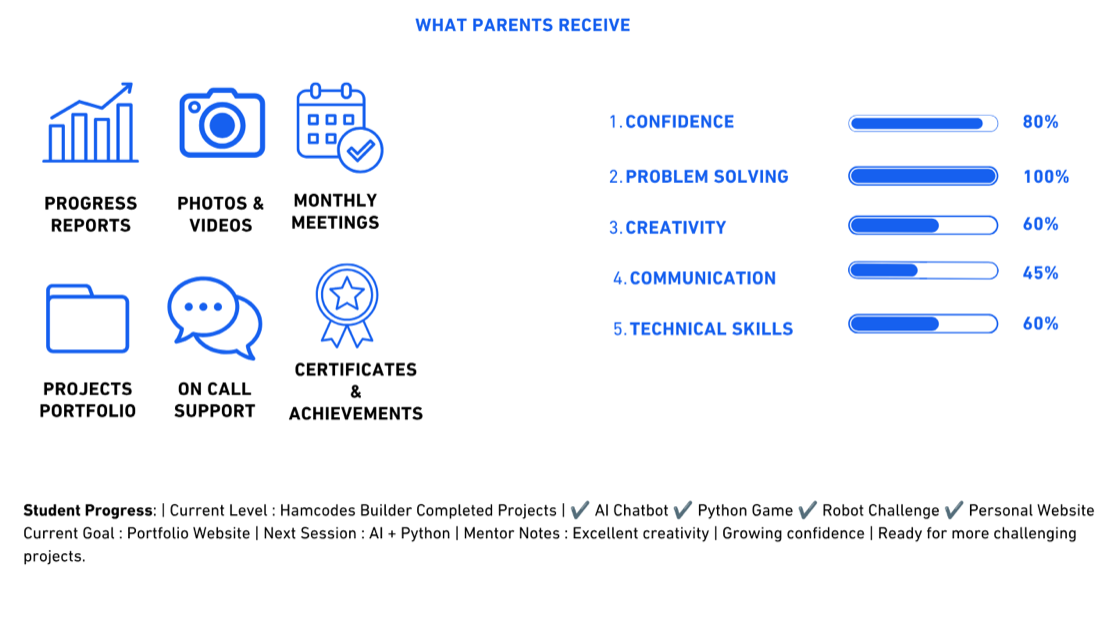
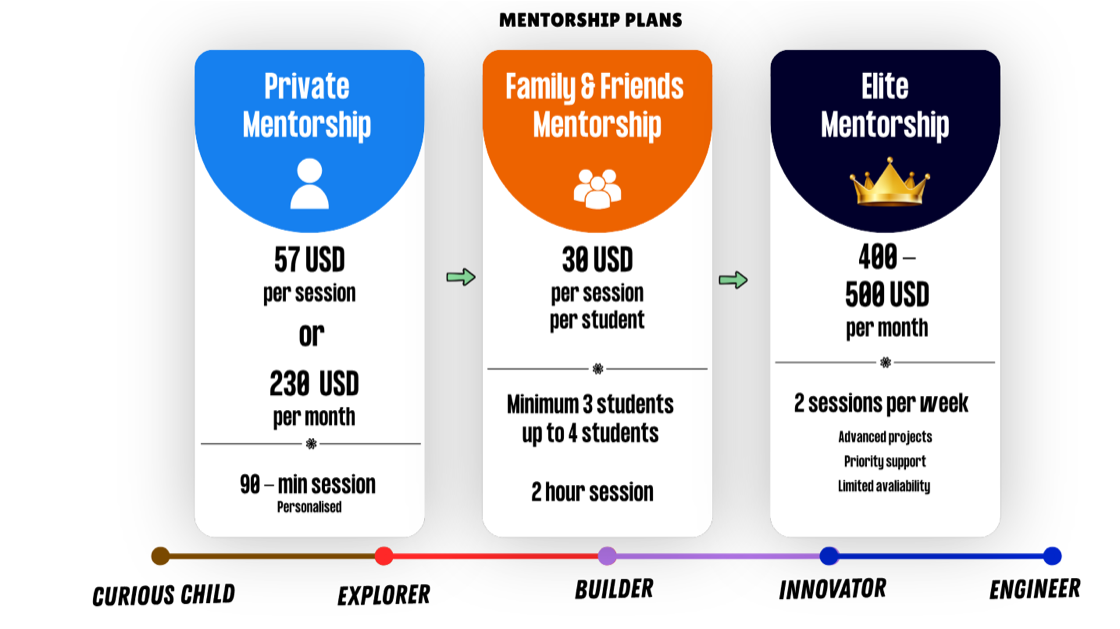
One-on-one guidance for young coders and for the educators teaching them. A personal route from the first line of code to a project that is genuinely finished.
Places are limited to five students and taken by application. Tell us about the learner and we will be in touch.
Start your applicationA short Google Form. No payment to apply.


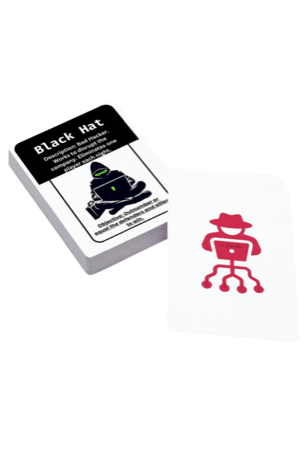
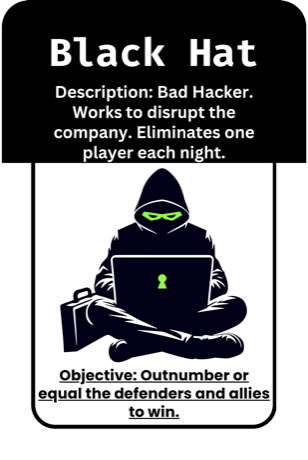
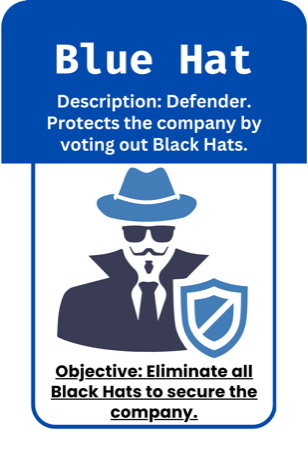
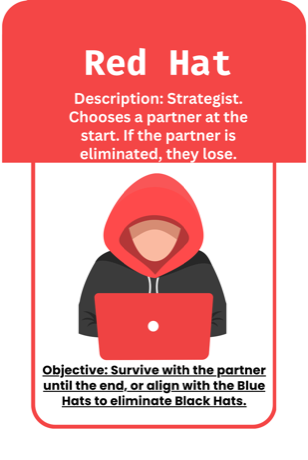
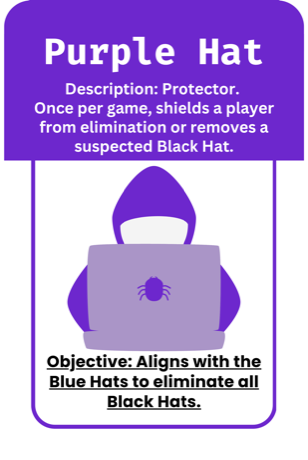
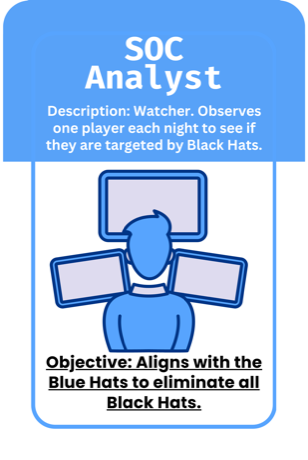
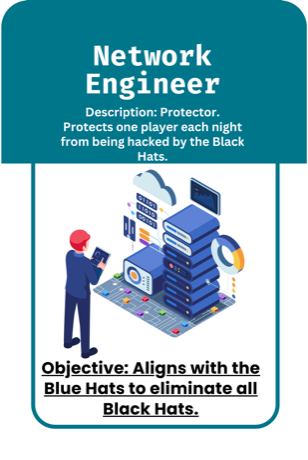
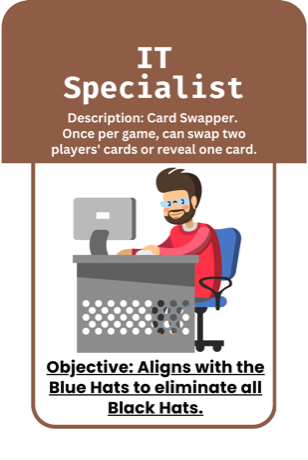
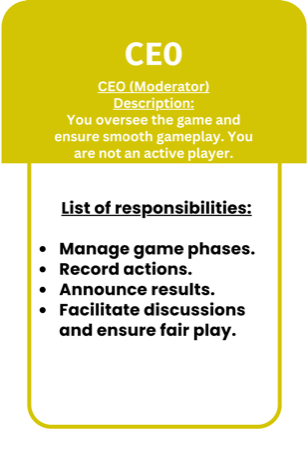
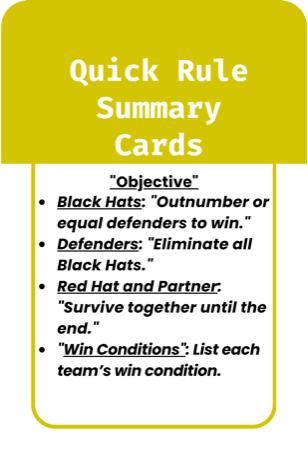
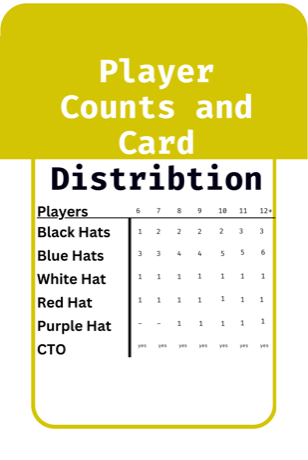
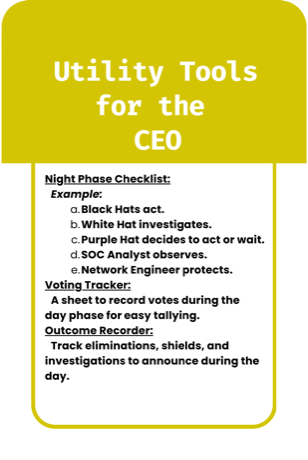
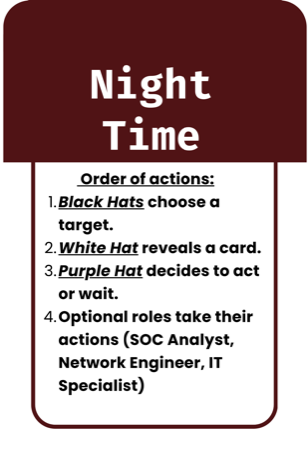
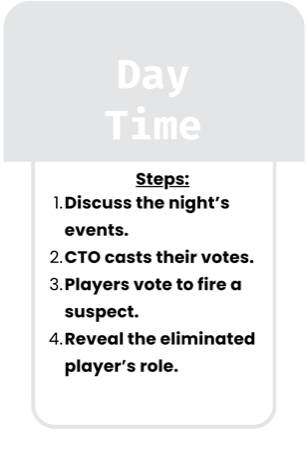
A social deduction card game where cybersecurity roles fight for control of the network. Anyone at the table could be the traitor.

Plain-English guides on online safety, computer science and money, written for students, parents and teachers starting from zero.

The eleven habits that separate a good netizen from an easy target, from privacy settings to spotting manipulation.
Read the post →
The red flags that give a scam away, what counts as sensitive data, and what to do when a message feels off.
Read the post →
Small daily habits that keep a phone and a laptop out of trouble, explained without a single piece of jargon.
Read the post →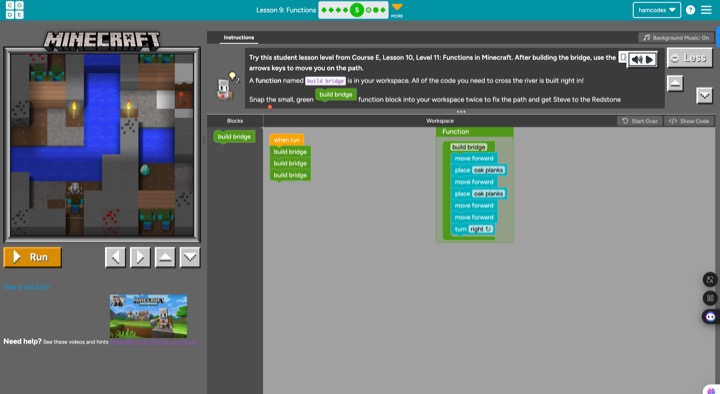
What a function actually is, why it makes code shorter, and how to teach it using Minecraft and Scratch.
Read the post →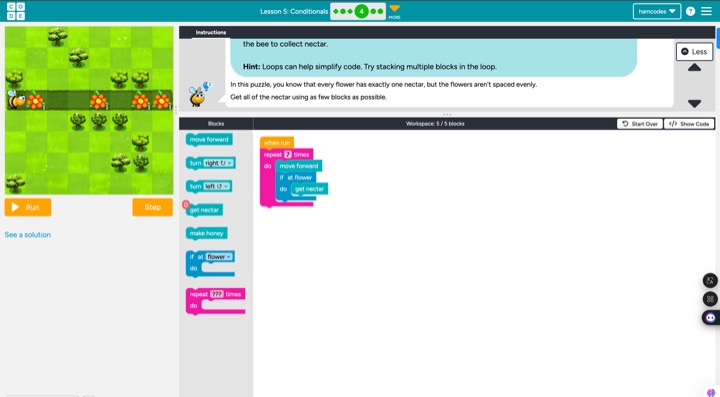
How to explain if and else to a class that has never coded, using the choices students already make every day.
Read the post →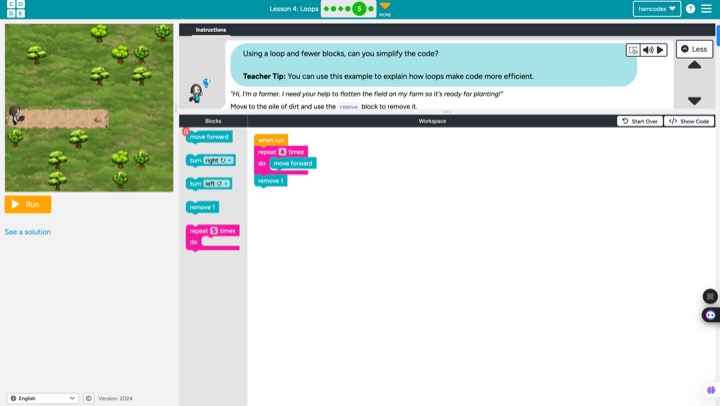
Loops turn twenty blocks into three. A classroom-ready way to show students why repetition is so powerful.
Read the post →
A penny saved can be worth far more than a penny earned once you understand the time value of money.
Read the post →
Bull, bear, correction, index. The stock-market vocabulary to learn before putting in a single dollar.
Read the post →
What the number actually means, what pushes it up and down, and why it decides the price of borrowing.
Read the post →New articles are published on hamcodes.com